At The Movies

What did I do on a rainy Memorial Day weekend? I watched movies! Thank goodness for Netflix, they keep me supplied with a steady stream of rented DVD's for my viewing pleasure. Here's what I saw: Road Trip - I went to this movie knowing it would either be really funny or really stupid. Fortunately, it was pretty funny, albeit rather raunchy. It certainly isn't something I'd watch with my grandmother, but if you just want to laugh at an Animal House style college comedy, you'll enjoy this.
My IMDB rating for it: 7 out of a possible 10

For Love of the Game - Yet Another Kevin Costner Baseball Movie, but I liked it a lot, just like Bull Durham and Field of Dreams. I'm not a huge baseball fan, but it's refreshing to see a movie about something that doesn't concern some threat to every person on the planet. I thought it was a movie that both men and women could enjoy equally as well, and Costner's performance is great, though he's upstaged at times by Kelly Preston.
My IMDB rating for it: 9 out of a possible 10

One Flew Over The Cuckoo's Nest - I'd never seen this movie until this weekend. Jack Nicholson gives a great performance as a man faking mental illness to avoid serving his sentence at a work farm, instead opting for a state mental hospital. While this isn't exactly a stellar portrait of the mental health field, I had to keep reminding myself that it was set in 1963 and that people aren't lobotimized or given electroconvulsive therapy anymore.
My IMDB rating for it: 7 out of a possible 10

Cowboy Cookies

I just noticed that I got linked to from MacOsX.Weblogs.Com the other day. My brief look at Mac OS X DP4 drew some attention, and this comment from Jim: Exactly. I wish people wouldn't write up these reviews (esp. negative ones! LOL!) after only a few hours of use.

Most of his complaints are solvable with settings that already exist in OS X that he just hadn't found yet.

and I responded (on the site):

I wrote the article in question, and I'm sorry if I came across as being negative about OS X. It wasn't meant to be an in-depth review, and I'm certain there are things I hadn't figured out, like how to access Appleshare servers (there was an app for it in the demo folder). But part of taking a look at a new OS (at least in my opinion) is how easy it is to use right out of the box. I've always thought that if it confuses me without reading any instructions, there are a LOT more end users that will be confused even with instructions.

That said, a lot of the features that OS X brings to the table are LOOONG overdue on the Mac. Pre-emptive multitasking, protected and dynamically allocated memory, and true multi-user support are finally here!

I certainly don't want to discourage anyone from trying or using the new OS! But at the same time, I think that first impressions of an OS are extremely important. I tinkered with it for a few hours before writing my bit. How long is my mom (or yours) going to give the OS a chance before deciding between it and Windows? Don't just Think Different, you have to Think Better...

I brought home an Ariston iSee-Pro USB webcam for the weekend. My boss picked these out (via telephone) for Netmeeting use by the Modern Languages department, so I figured I'd test one for that very thing before I installed them.

I saw that the camera had Windows 2000 drivers, and I need a new camera for home use, since my Creative Labs Webcam II does not have Windows 2000 drivers.

First of all, the camera is huge, about twice the size of an average QuickCam. I plugged it in, installed the drivers from Ariston's web site, and was off to the races. Or was I?

I noticed that the camera had a button on the top. What does that button do? I don't know, it didn't come with a manual. I had video working fine, so I pushed the button to see what it'd do. Boom! Blue Screen of Death! My very first BSOD in Windows 2000. Not believeing what I was seeing, I rebooted and tried it again. Boom! I don't know what that button is supposed to do, but don't push it!

I should have been tipped off by the fact that the included CD was made on a CD Burner, not professionally produced en masse. But wait, it gets better! Not only is the CD made by some guy in his basement, the box was actually for the iSee, with all the stats for that discontinued camera, and has a big sticker stuck on it to relabel it the iSee-Pro!

I installed the drivers, launched Netmeeting and called my friend Liz to test the camera. The drivers don't support any type of resolution switching or anything in Netmeeting, nor do they apparently include the standard video for Windows plugins that all other webcams I've used do.

If that's not enough, if you reboot your computer, you will only receive black from the camera! That's right, the hardware registers as being there, but you get a steady stream of blackness. The way to fix this? Re-install the drivers! It gets annoying very quickly to install the drivers every time you reboot!

My conclusion? These things should be sent back ASAP, they're garbage. I'm going to order a Creative Labs Webcam III.

I'm not even sure I want to know the story behind this picture over on John's site.

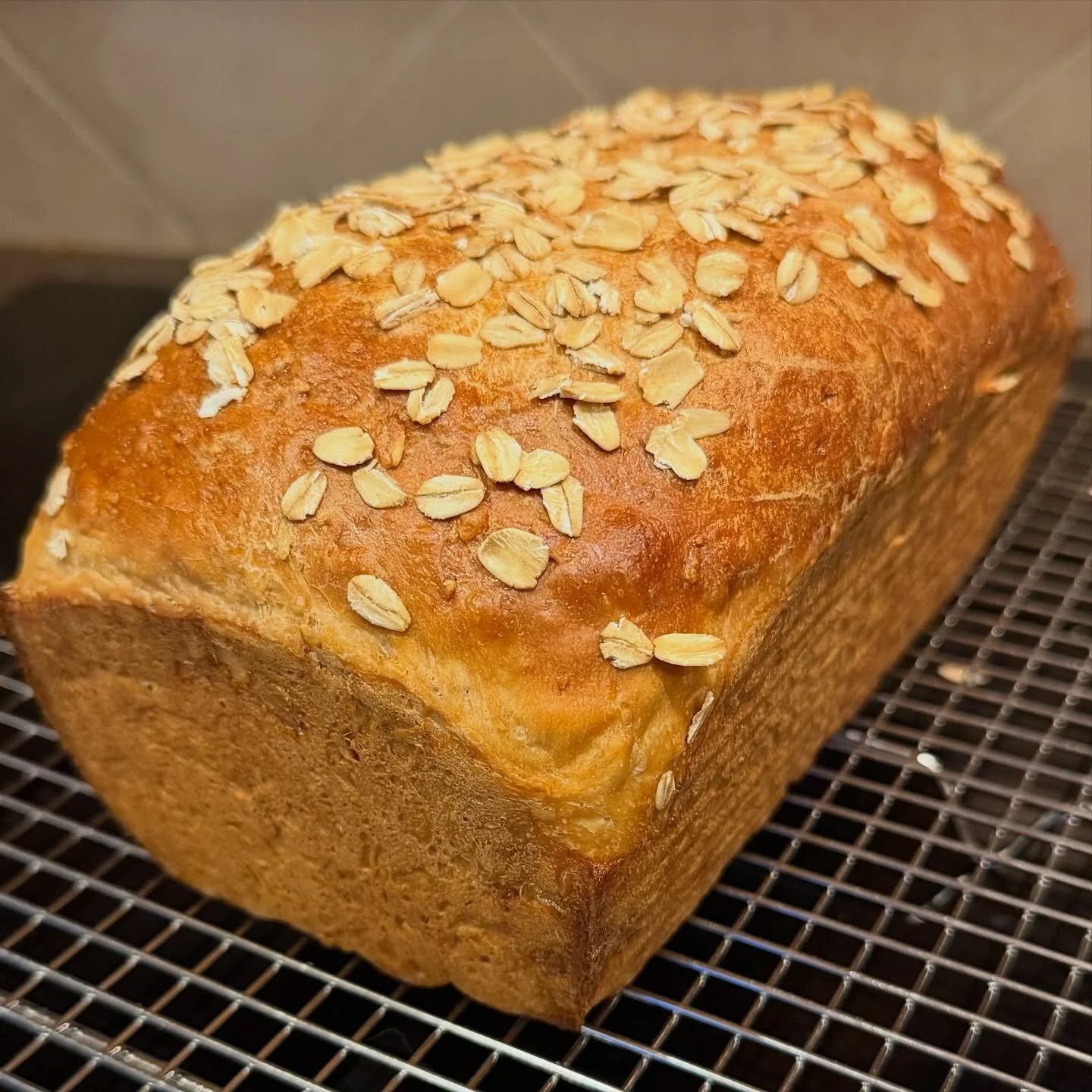
I've got the day off from work, so I'm baking Cowboy Cookies! This is my grandmother's recipe, and the cookies are delicious! It's the first time I've attempted them, so I'm crossing my fingers.

Cowboy Cookies

Blend these ingredients in mixer

  • 1 cup vegetable shortening
  • 1 cup sugar
  • 1 cup brown sugar
  • 1/3 cup milk
  • 2 eggs
  • 1 teaspoon vanilla

    Then, Sift together the following:

  • 2 3/4 cups flour
  • 1/2 teaspoon baking powder
  • 1 teaspoon baking soda
  • 1/2 teaspoon salt
    Add them to creamed mixture and blend well.

    Add 2 cups oatmeal
    1 6oz pkg. chocolate chips

    Baken them in a 350 degree oven, for about 12 minutes.
    Enjoy!


    Update 9:00 p.m. - The cookies turned out excellent! This recipe apparently makes about four and a half dozen cookies, though your mileage may vary, depending on how much dough you and your roomie eat. :)


  • Active Directory

    ActiveDirectory

    There was no update yesterday because I was at yet another Windows 2000 training session. This session covered ActiveDirectory, and was very informative. I feel confident now, and can't wait to implement it here in the next couple months.

    The folks over at Leading Change have done a pretty good job teaching the course, especially since we're the first ones taught in the new facility, so not everything is in place as of yet.

    I've decided to fork over the $100 to take the test that's associated with the class. The University paid for my class, but I'll pay for the test, in order to get my MCP or "Microsoft Certified Professional" certification. A hundred bucks so I can put three letters after my name? Somewhat, but this test also counts towards an MCSE certification, which I haven't decided if I want to pursue or not yet. I also get a lapel pin.

    I watched Notting Hill last night, and I loved it! This is one of the funniest movies I've seen in a long time. I enjoy a movie that isn't predictable, and in which the humor is more than a bunch of raunchy jokes.

    I played some more of the Diablo II stress test beta last night. There are 100,000 of us chosen to participate. I, however, was one of the lucky 1,000 people chosen for the first test as well, so this "more-limited" beta seems pretty small by comparison. I don't get a free copy of the finished product, unfortunately, but I do get my name in the credits of the game. I somewhat wish that Blizzard hadn't made the initial list public like they did, I received e-mails from several people (most of which I knew, at least) asking me if I would give them my access code, or give them a copy, etc.

    Handspring Thoughts

    Handspring thoughts

    I've had my Handspring Visor Deluxe for about a week now, and I have to say, I love it. You really can't appreciate how flexible they are until you get one. In the past week, I've used mine to play Scrabble in the car, keep golf scores during a round last weekend, jot down directions to a duplex I may rent, write down computer serial numbers when I was in a lab, take down a list of names the Associate Dean was rattling off to me, and play numerous games of Tetris.

    I've noticed that there is now a SpringBoard Module that will act as the ultimate universal remote, that could be very cool. I've gotten my Visor to sync with the University's Netscape Calendar server, as well as my e-mail and contacts from Microsoft Outlook.

    Mac OS X

    Mac OS X

    I've played with Mac OS X Develeper's Preview 4 for a few hours now, and have generated a few thoughts on the matter. Overall, the OS is a radical departure from the old MacOS, but I'm not so sure that the Mac community will embrace it with open arms. Let me preface all I'm about to say with the statement that I do realize that this is not even the "Public Beta" version of Mac OS X, and that things will almost certainly change by the time the final OS is released.

    The "Aqua" interface is very flashy, and it's not as slow as I thought it would be initially. I did a clean install on a G4 400 with 128MB of RAM. The Dock is somewhat confusing to me, okay, make that very confusing. Sometimes there is a background behind the icons, sometimes there isn't. It seems to come and go as it pleases, I don't understand that. I did finally catch on to how to tell if an application is open, at least. There is an Internet Explorer icon on the dock, clicking it launches IE. Say you close your IE window, but not the application, you don't readily notice this, because that icon is always in the dock, regardless of whether or not the app is open. My boss pointed out that three periods are left under the app icon if it's running, which is somewhat subtle.

    The icons are huge! I felt at times like I was using an operating system for idiot savants, with big shiny icons and illogical layouts. The control panel is a great example of this, all of the icons are along the top, and after you select one, the bottom pane of the window turns into the settings area for that control panel. All of them are a different size, so the window resizes as you flick from option to option, which is somewhat annoying. What's really annoying is that you scroll horizontally for about three screens to see all of the icons, I was unable to find a way to view them all at once.

    The GUI felt responsive, but the apps didn't. I know, that sounds really bizarre, but I assume it's due to a lot of debugging code still being in place. Linux/BSD users will feel very at home in this OS, it's nice to be able to drop to a command line to view your processes and kill them at will, no more "force quit" after which your system is hosed and has to be restarted. I've been unable to access AppleShare/Talk servers, maybe I'm dumb, but it's certainly not even remotely intuitive at this point.

    Despite all of these gripes, the OS still shows a lot of promise, but I find myself wondering how the hard-core Mac community will adjust to the changes. Apple claims that the user will never have to use the command line interface, but what about the support staff? :) The single thing I was most impressed with was the boot time, less than 10 seconds on the G4 I was using! Kiss those extensions goodbye!